A customer surveying a heritage church asked us for something the Building Compliance Report could not do: carry a statement that applied to every door in the building. Their doors were centuries old, relied on as fire doors on the strength of their construction, and the report's column of "Not evidenced" entries needed explaining to the people who would read it. A note on each door was the wrong tool, because the point applied to the building. Building Notes is the result, and it is live in the FM portal and the client portal.
What it is
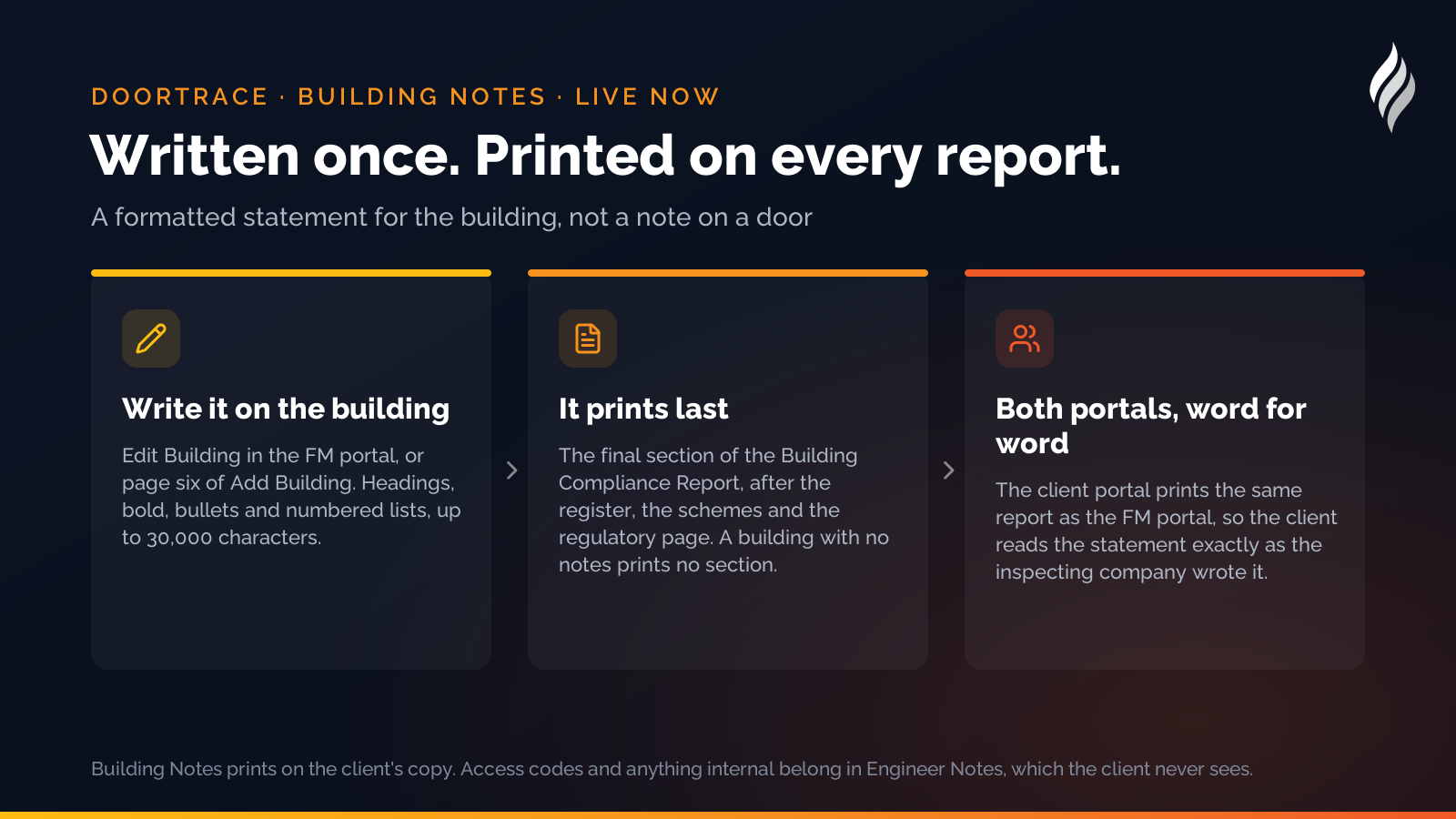
Building Notes is a formatted text box on each building in the FM portal. Whatever is written there prints as the last section of the Building Compliance Report, after the door register, the schemes and the regulatory page, under its own heading and with a line saying the notes were written by the inspecting company and apply to every door in the building. A building with no notes prints no section, so nothing changes for anyone who does not use it.
The box takes headings, bold text, bullet lists and numbered lists, with a toolbar for each, and a counter against a 30,000-character limit. It is edited from the building's Edit Building page, and it is page six of Add Building for a new building. Pasting from a document keeps the words, paragraphs and lists; headings and bold are re-applied with the toolbar.
What it is for
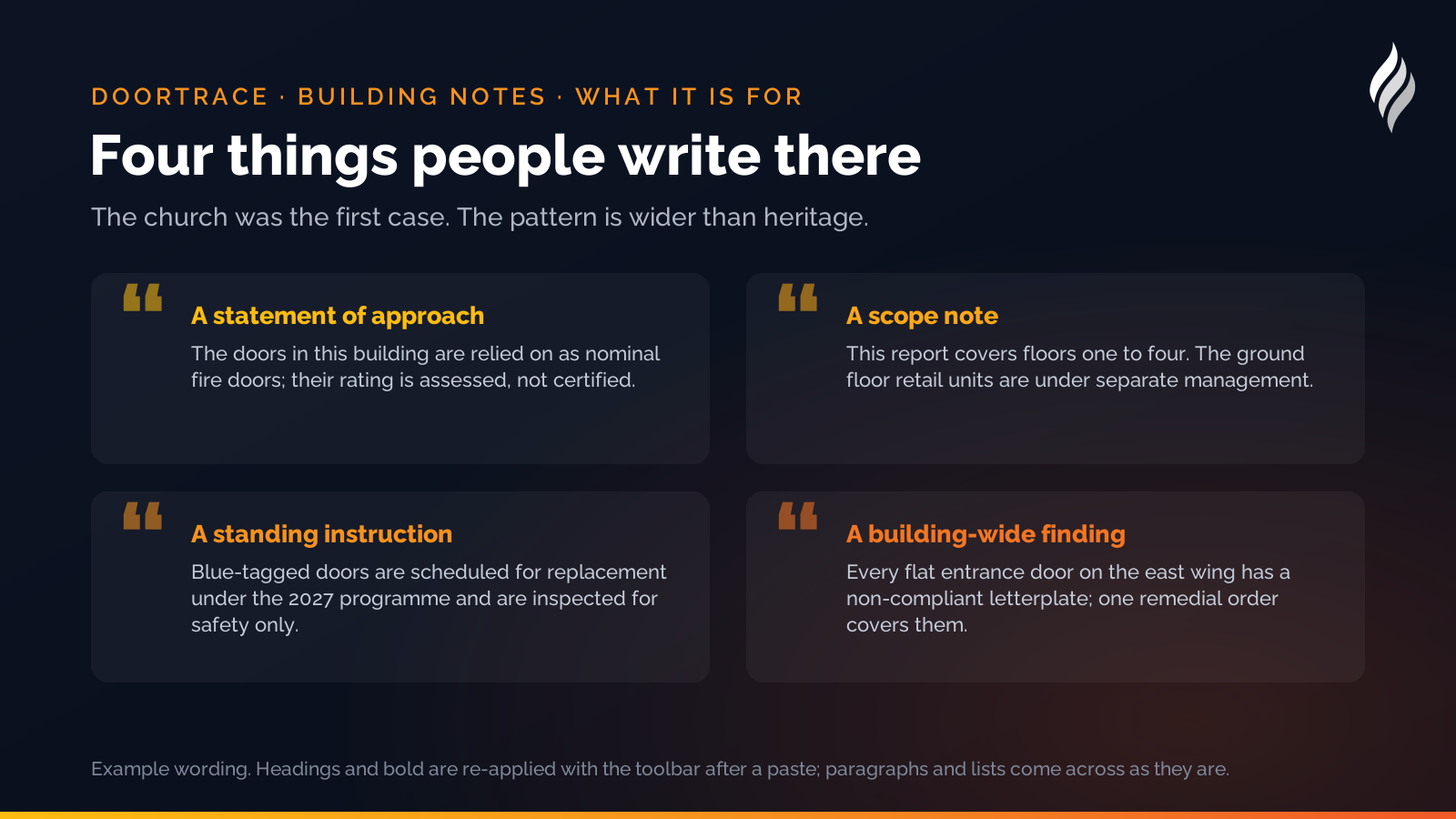
The church was the first case, and the pattern is wider than heritage:
- A statement of approach. "The doors in this building are relied on as nominal fire doors; their rating is assessed, not certified; the approach agreed with the conservation officer is as follows."
- A scope note. "This report covers the doors on floors one to four. The ground floor retail units are under separate management."
- A standing instruction to the client. "Doors marked with a blue tag are scheduled for replacement under the 2027 programme and are inspected for safety only."
- An explanation of a building-wide finding. "Every flat entrance door on the east wing has a non-compliant letterplate; a single remedial order covers them."
What it is not for is anything a client should not read. Building Notes prints on the client's copy of the report, so access codes, key safe numbers and anything internal belong in Engineer Notes, which the client never sees, and the editor carries an amber reminder to that effect.
The same on both portals
The client portal prints the same report as the FM portal, word for word, so a client downloading the Building Compliance Report from their own portal sees the Building Notes exactly as the inspecting company wrote them. That is part of a wider piece of work this autumn to make sure the two portals' reports match: compliance percentages, engineer names, dates and the "Not evidenced" row are now computed the same way in both, and both run the same report engine.
How DoorTRACE helps
Building Notes is a small feature with one job: to let the person who knows the building say so, once, where every reader of every report will see it. It sits alongside the door register, the photographs and the inspection history that DoorTRACE already keeps, and it prints through the same reports in the FM portal and the client portal. Our guide to fire doors in churches, listed and heritage buildings shows the kind of statement the church needed. Existing customers will find the box on Edit Building today; if you are not yet a customer, get in touch.
After the survey: building a fire door remediation plan
The survey is the easy part. A 300-door building produces a list of defects longer than anyone's budget. Here is how to turn it into a plan the board will sign, the fire officer will accept and the engineers can work from.
Fire doors in nurseries and early years settings
A nursery's occupants cannot evacuate themselves, and its doors are opened a hundred times a day by people carrying children. Here is how the Fire Safety Order applies, where the doors usually go wrong, and what to check.
Fire door frames: the half of the assembly nobody inspects
The leaf gets the gauge, the seals get the scrutiny, and the frame gets a glance. Yet the frame is what holds the door in the wall when the leaf is trying to leave. Here is what to look for.