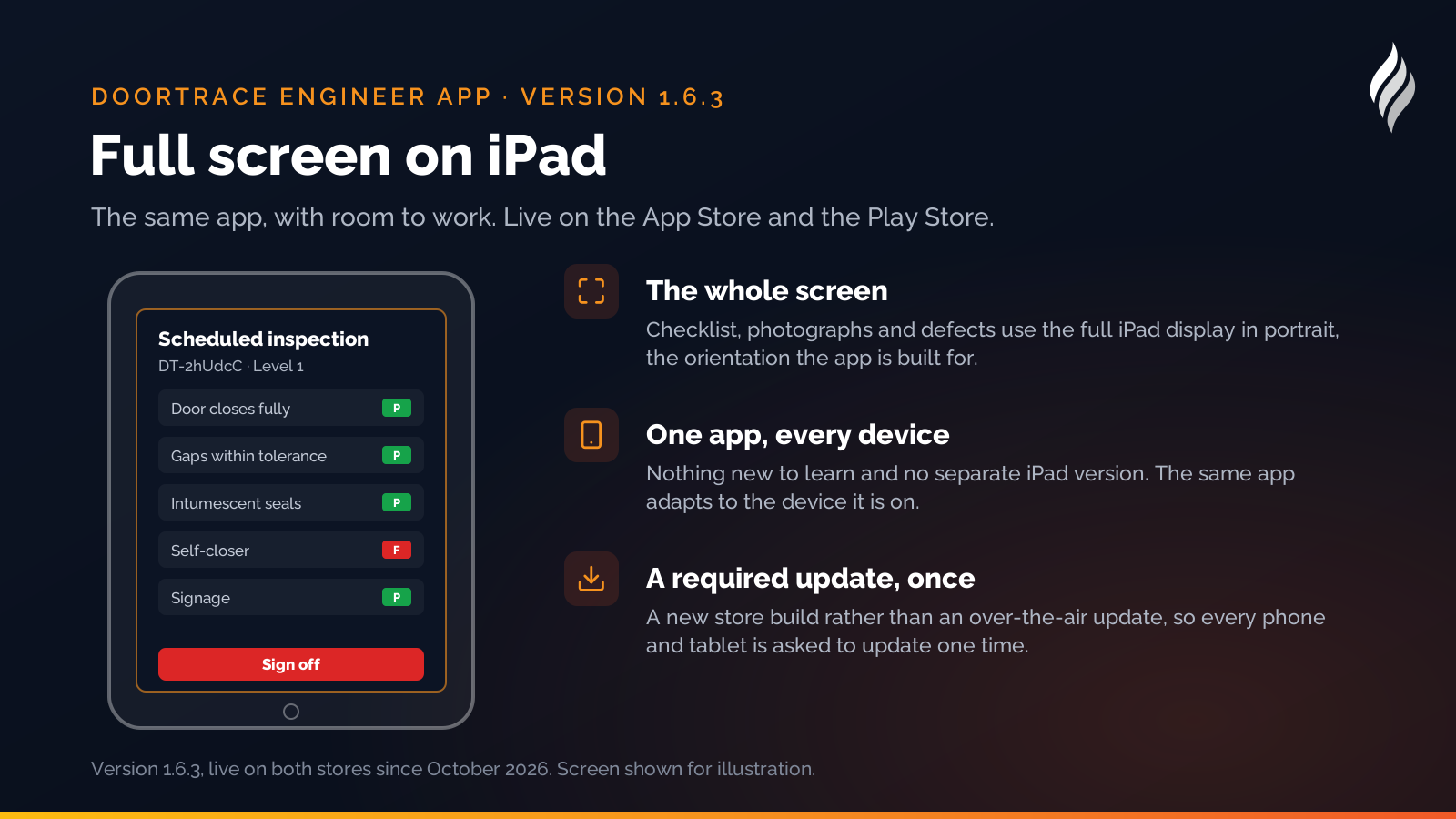
One of our customers equipped their engineers with iPads this autumn and opened the DoorTRACE engineer app to find it running in a small phone-sized window in the middle of the screen. The app worked, but it looked like what it was: a phone app on a tablet. Version 1.6.3 fixes that. The engineer app now runs full screen on iPad, and it is live on the App Store and the Play Store.
What changed
Everything about the app is the same: scan the QR tag, follow the 36-Point Check or the BM TRADA checklist, take the photographs, sign off, sync. What is different on an iPad is the room. The checklist, the photographs and the defect details use the whole screen in portrait, which is the orientation the app is built for, and the larger keyboard makes notes quicker to type. There is nothing new to learn and no separate iPad version to install: the one app adapts to the device it is on.
Because the change needed a new build in the stores rather than one of our usual over-the-air updates, 1.6.3 is a required version. Every phone and tablet running the app is asked to update once and then carries on as before. A phone that already updated will have done so in early October.
What else shipped this autumn
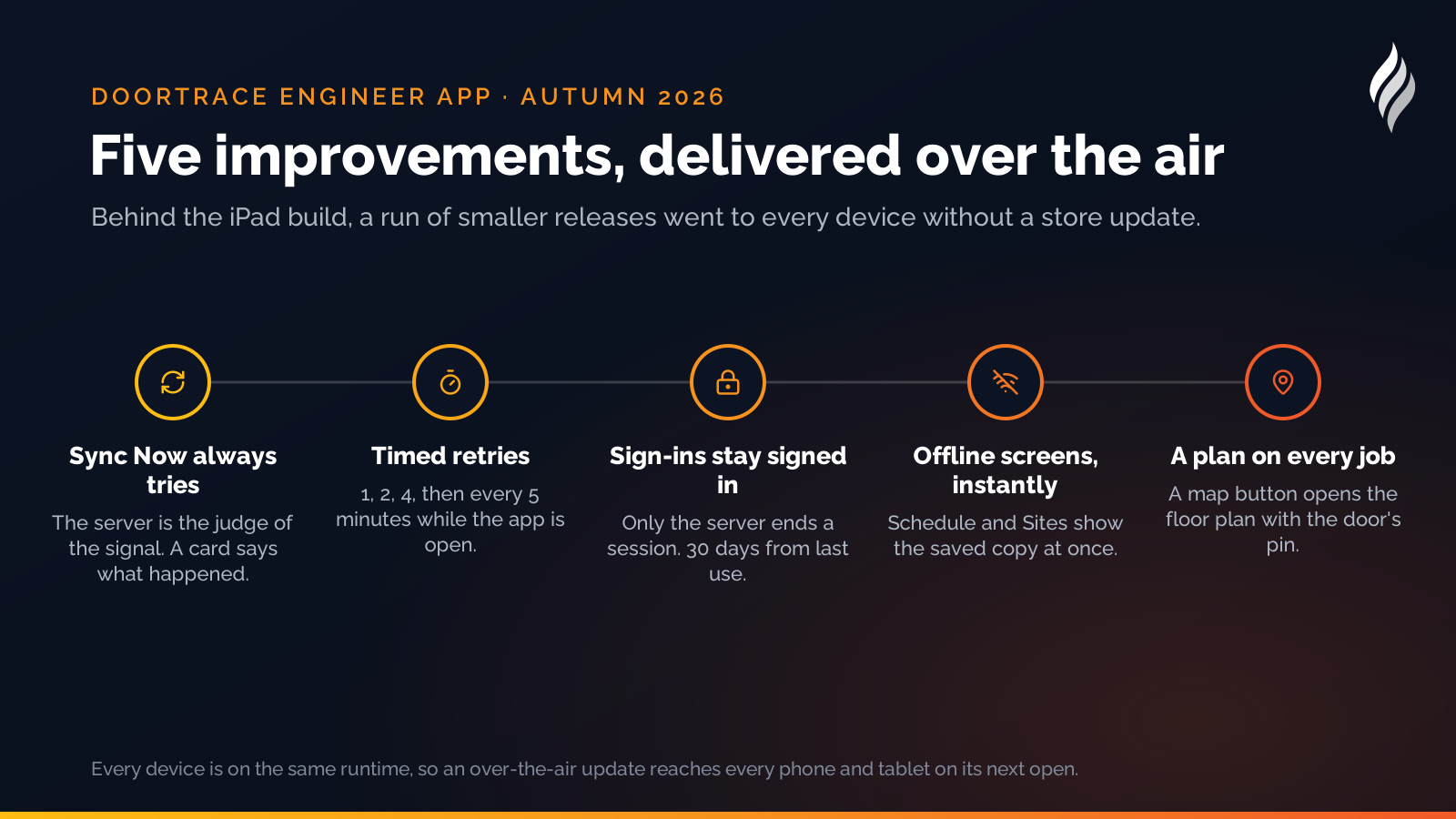
The iPad build is the visible change. Behind it, a run of smaller releases went to every device over the air, and they are worth knowing about if you manage engineers:
- Sync Now always tries. Until October, a phone that wrongly believed it was offline on a patchy signal would do nothing when the engineer pressed Sync, and show no message. Now a press always attempts the upload, the server is the judge of whether there is a connection, and a card on the home screen says what happened: how many surveys went up, how many are still waiting, or that DoorTRACE could not be reached and the work is safe on the phone.
- Waiting surveys retry on a timer. A survey that failed to upload used to wait for the engineer to do something else. Now the app retries by itself while it is open, at one minute, then two, then four, then every five, and goes back to one minute as soon as anything uploads.
- Sign-ins stay signed in. The app signs out only when the server ends the session. A momentary storage glitch or a slow reply no longer drops an engineer back to the login screen mid-inspection, and an engineer's session now lasts 30 days from last use rather than needing a fresh sign-in each morning.
- Schedule and Sites open offline straight away. Both screens show the saved copy at once when the phone has no signal, and swap in the live data if the server answers, rather than sitting on a loading message for twenty seconds first.
- A floor plan on every scheduled job. Where a door has been pinned on a floor plan in the portal, the job on the Schedule screen shows a map button that opens the plan with the door's pin, so an engineer sent to a building they do not know can find the door.
If your engineers use iPads
Open the App Store on the iPad, update DoorTRACE, and open it. That is the whole process. Internal engineers sign in with their own named login and the FM's own login works in the app too, exactly as on a phone. If anything on the iPad screen looks wrong, send us a screenshot through the contact page and we will fix it in an over-the-air update.
How DoorTRACE helps
The engineer app is where the record begins: every inspection, photograph and signature is captured on site and lands in the portal before the engineer leaves the building. See the engineer app, the fire door inspection app page for how a survey works on the phone or tablet, and the platform for where the record goes next. New to DoorTRACE? Get in touch.
After the survey: building a fire door remediation plan
The survey is the easy part. A 300-door building produces a list of defects longer than anyone's budget. Here is how to turn it into a plan the board will sign, the fire officer will accept and the engineers can work from.
Building Notes: your statement on every building report
A customer surveying a heritage church needed a statement on the building report that applied to every door in it. Building Notes is the result: formatted text written once per building, printed on every report.
Fire doors in nurseries and early years settings
A nursery's occupants cannot evacuate themselves, and its doors are opened a hundred times a day by people carrying children. Here is how the Fire Safety Order applies, where the doors usually go wrong, and what to check.